Restored Global events
If you looked for Winter Frost Season or other past events on Build Heartopia and couldn’t find them, take another look at the Events archive. I restored 14 missing Global events from January through early July 2026, including Heartopia × MALTESE, Dreamlight Cinematics, and Modular Streets. You can also find them in site search and on the Calendar.
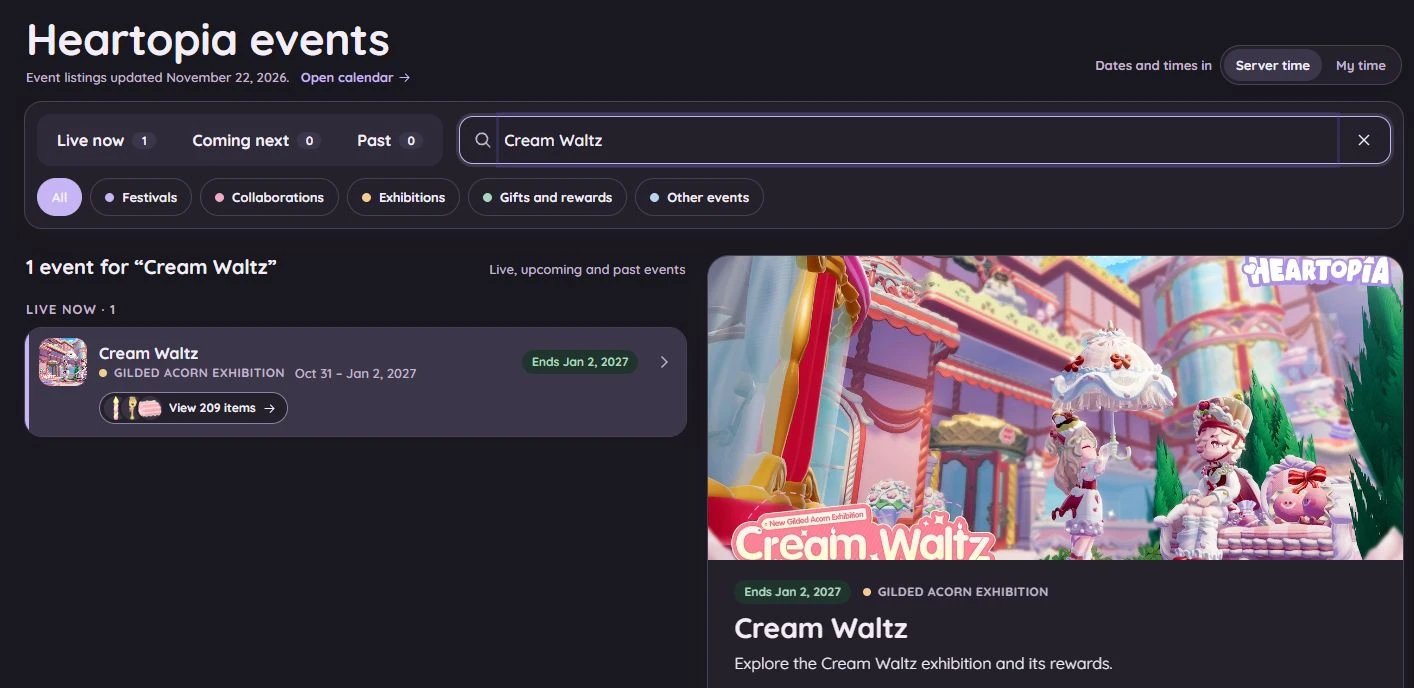
A new way to browse Events
Ticket BH-000029 asked for page numbers to make older events easier to browse. Open Past on the redesigned Events page to see 12 events at a time, grouped by month. Use the page numbers to jump further back. If you remember an event’s name, Search all events looks across past, live, and upcoming events at once.
Planning your next few days? Live now shows events ending in the next seven days first. Coming next shows what starts soon. Select an event to see its dates and, where available, browse its item collections. Larger events group their activities together. Choose My time to see dates and times on your own clock.
Try on the missing Cream Waltz styles
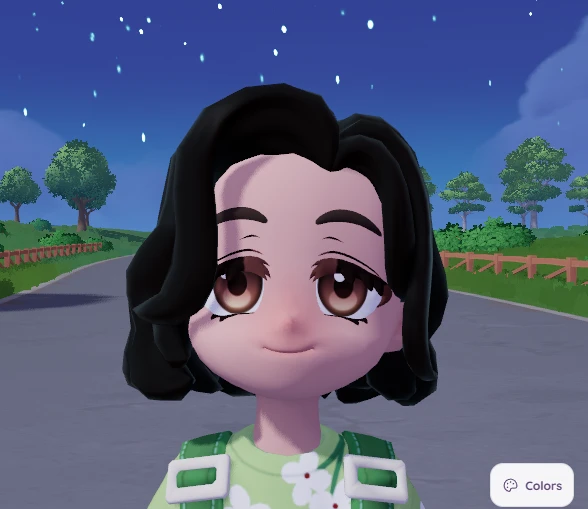
Thanks to the report in BH-000030, you can now try on six Cream Waltz hairstyle variants, two eye shapes, and two irises that were missing from the Wardrobe. I also fixed how two eye shapes and two brow styles fit the face, including Cream Downturned Eyes and Cream Droopy Eyebrows.
I can now reply to your feedback
When you sent me feedback before, I had no way to write back. Now I can ask a question or tell you what I fixed, and you can reply while your new ticket is open.
When I reply to your support ticket, you’ll see a notice at the top of Build Heartopia. Select View reply to read my message. If you sent your ticket as a guest, the notice appears when you return in the same browser.
If you’re signed in, look under Account > Tickets. If you send feedback as a guest, save your private ticket link. You can also choose to get an email when I post an update.
If you opened BH-000029 or BH-000030, or sent feedback on an earlier ticket, I’d love to hear from you. Please open a new feedback ticket and let me know whether these changes fully address what you reported. If I missed something, tell me what you’re still seeing. I appreciate your feedback, and I’ll keep making improvements as quickly as I can.